Your wallet. Your signature.
Four looks. Entirely yours. Tap a card to explore.
Explore the collection
Interactive preview · Apply skins using the Mac app
Richeli Card
An Apple Wallet skin changer. Your cards, painted.
Your bundle
BUNDLE · MAC APP + 30 FREE SKINS · ONE-TIME PAYMENT
After payment: Richeli Card.zip (Mac app + setup guide) and RicheliCardSkins.zip (30 skins) · Delivered by Payhip
Requirements
- A Mac (macOS 14 or later)
- An iPhone with a supported iOS build
- A USB cable to connect the two
- A Mac app — not an iPhone app. Not for Windows.
What’s in the bundle
- Richeli Card.app for Apple Silicon and Intel Macs
- 30 painted Richeli card skins, free
- Offline setup and how-to-use guide
- Re-skin your own Wallet cards with artwork
- Use our card designs or your own images
- Free updates · one-time payment

Every detail, yours.
Richeli Card Studio walks you through it on your Mac: connect your iPhone, select your cards, pick a design and apply.
BUNDLE · MAC APP + 30 FREE SKINS · ONE-TIME PAYMENT
30 skins, on the house.
A preview of the skins that come free with Richeli Card. Apply any of them to your own Wallet cards in a few clicks.
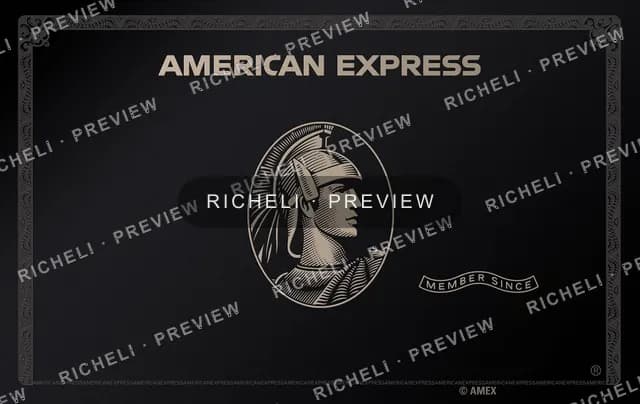



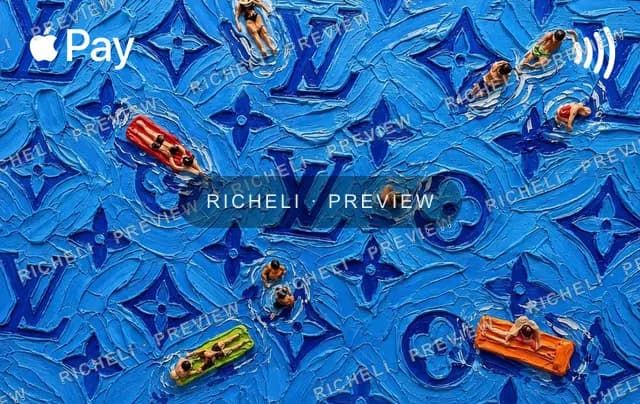

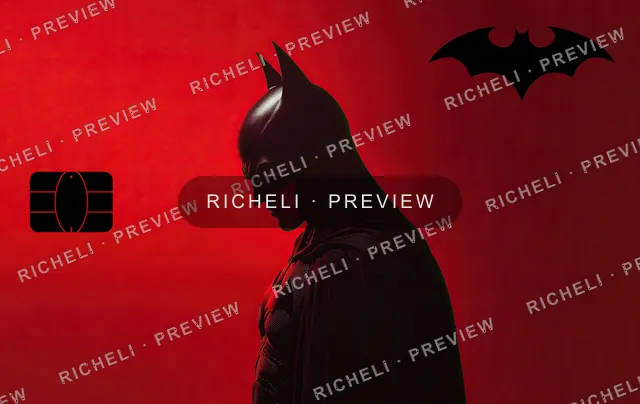

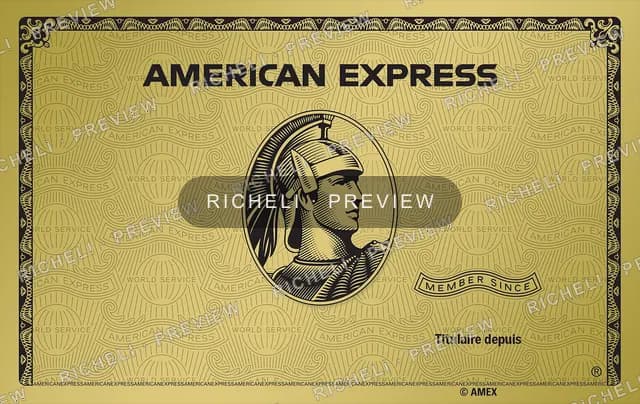
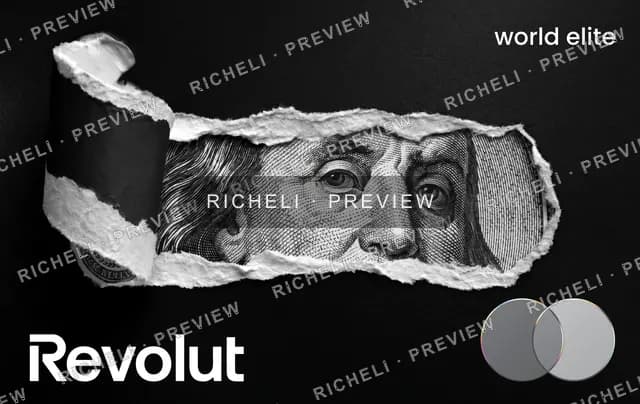


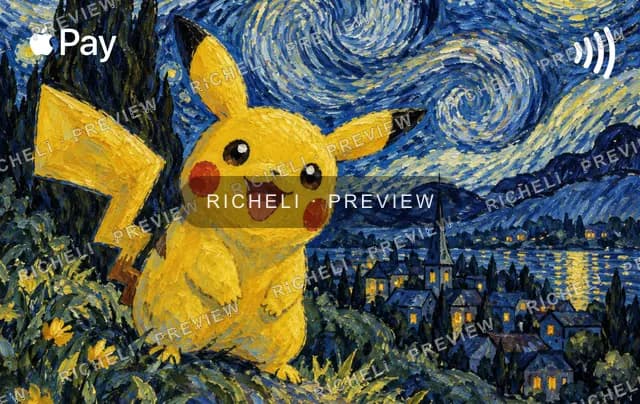



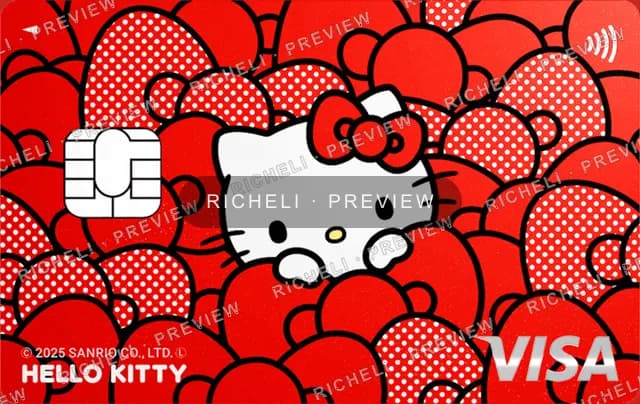
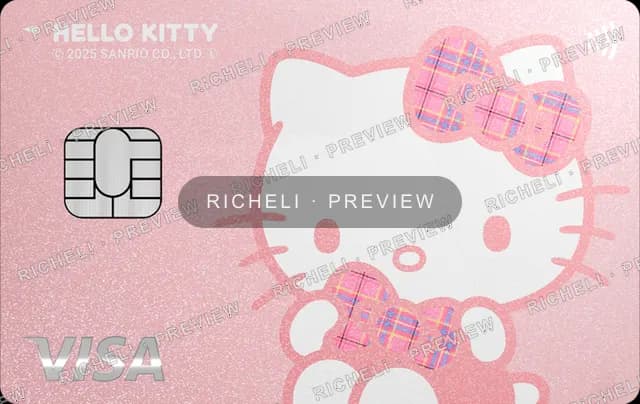
18 OF 30 INCLUDED SKINS SHOWN · MORE IN THE BUNDLE
Painted cards in four steps.
- 01
Download Richeli Card
Install the Mac app — a one-time purchase, free updates.
- 02
Connect your iPhone
Plug it into your Mac and let the app find your Wallet cards.
- 03
Pick a design
Choose one of our painted card faces, or frame your own image.
- 04
Apply & enjoy
Send the new look to your card and open Wallet to see it.
A new mood for your wallet.
Cute, Art, or Luxury. Explore every design and find your next favourite. Each extra edition is €1.99, sold separately from the app and its 30 included skins.
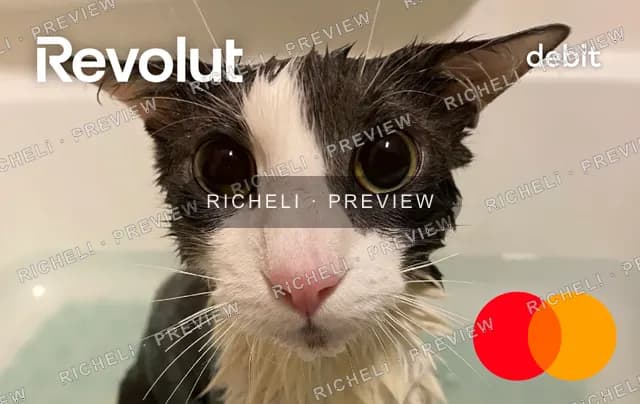
Cute
A little playful. A little pink. A whole lot of personality.
30 designs · one-time purchase
Sold separately from the app bundle. Apply these designs using Richeli Card for Mac.
Explore every design. Select a skin to take a closer look.
Good to know.
- What exactly is Richeli Card?
- A Mac app that re-skins the artwork on your own Apple Wallet cards. Buy it once, then apply any of our painted card designs — or your own images — to the cards on your iPhone.
- What do I need to use it?
- A Mac running macOS 14 or later, a USB data cable, and an iPhone on a supported iOS build. Some newer iOS releases patch the installation method; support is not guaranteed for every release. It is a Mac app for Apple Silicon and Intel, not an iPhone or Windows app.
- Can I use my own images?
- Yes. Richeli Card frames any image from your Mac to the card face (1536 × 969) and applies it like any other design. Nothing is uploaded; it all happens on your Mac.
- How is it delivered?
- Richeli Card is sold as a bundle: the Mac app and a set of card skins. After payment, Payhip gives you a secure download link on screen and by email for Richeli Card.zip (Richeli Card.app, an offline setup and how-to-use guide, and license notices) and RicheliCardSkins.zip (your skins). Move the app to Applications and follow the guide. Extra skin packs are sold separately.